 Sidekick
The manager who remembers everything.
Because Sidekick remembers for him.
Every conversation with your team, every 1:1 agreement, every task — the app captures and organizes it automatically, like a digital manager's notebook. You just open the app and know what's next.
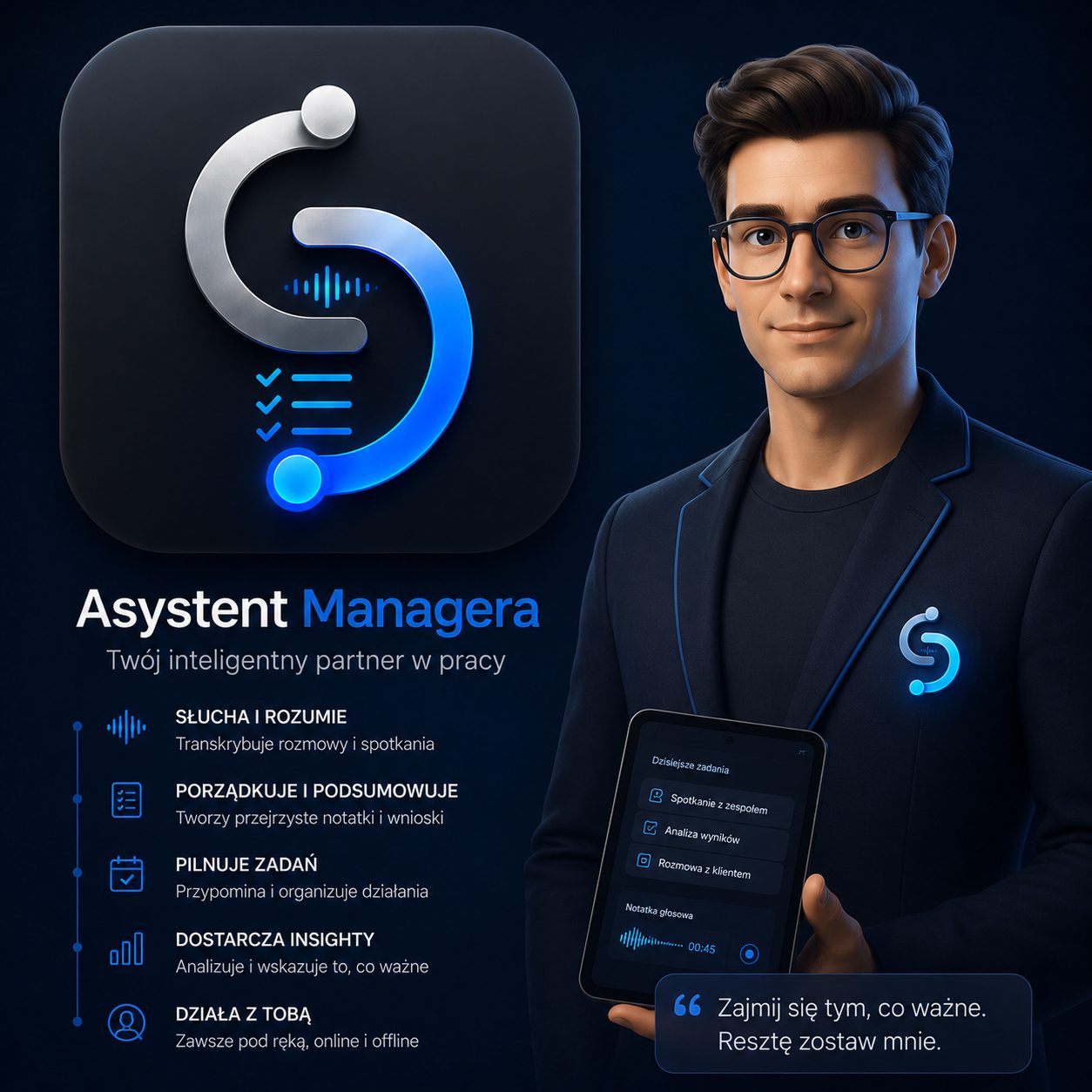
ChatGPT doesn't know your team. Sidekick does.
A voice recorder just records. ChatGPT answers, but forgets you the moment you close the window. Sidekick is the only one that combines both: it remembers every conversation, links it to a specific employee, and tells you what it means — without copying anything between apps.
What actually lightens your day
What you'd expect from good AI for managers: the app genuinely helps you manage your team instead of giving you one more screen to check. Everything below happens inside the app — no extra tools, no manual organizing.
The Dashboard filters for you
Instead of a flat team list, you instantly see what needs attention: new summaries, overdue tasks, someone you haven't talked to in a while.
Ready-made summaries and task lists
A conversation turns into a smart summary and a concrete task list — no need to write it up yourself. The AI uses industry-specific dictionaries (sales, IT, HR, manufacturing), so summaries are more precise and better understand your team's specific jargon.
Prep for 1:1s in a few seconds
Your 1:1 notes from past conversations are right at hand — check what you last agreed on without scrolling through messages and notes.
AI Insights spots what's easy to miss
An overloaded employee, someone you haven't spoken with in a while — the app flags it on its own, instead of waiting for you to notice.
Ask AI about an employee or your team
Ask directly, and the app answers based on real conversations and tasks — no manual digging through history.
You decide what goes to the cloud
Transcription and insights in the cloud, offline-only transcription, or everything kept locally on your phone — you choose for each conversation.
Here's what using Sidekick looks like
No mockups, no visualizations — these are real screens from the app: a dashboard with your day's summary, recording a conversation, your team, tasks, and a built-in AI assistant. This is what a manager's app looks like day to day when it keeps pace with you.
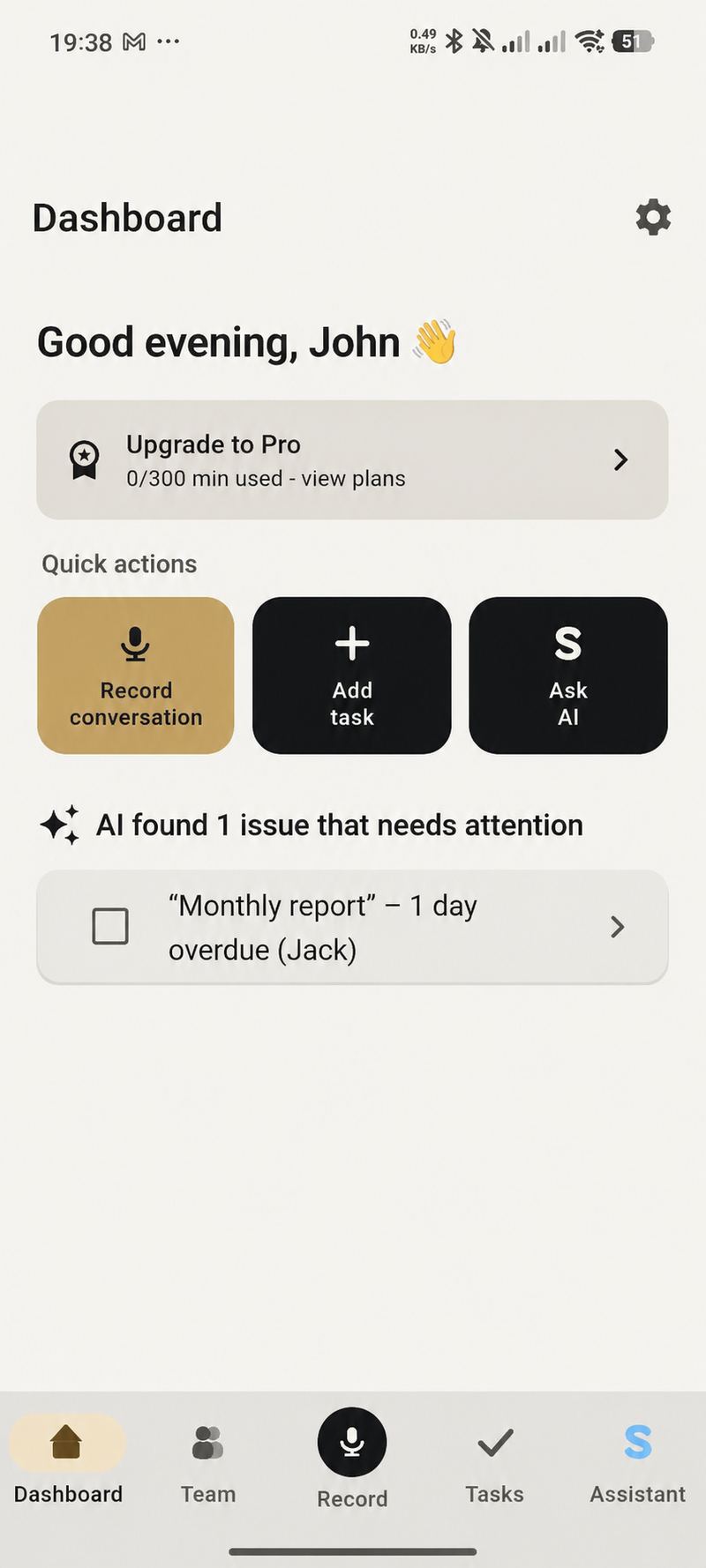
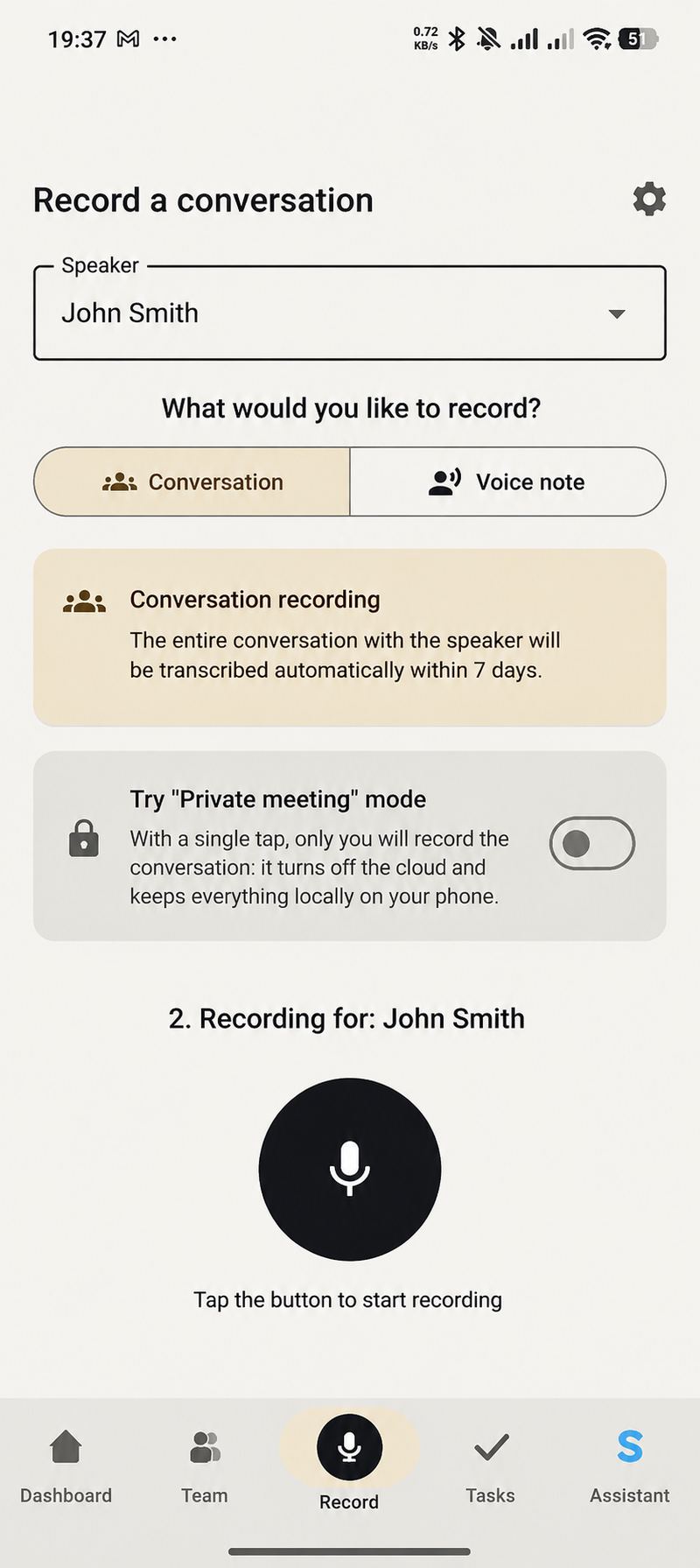
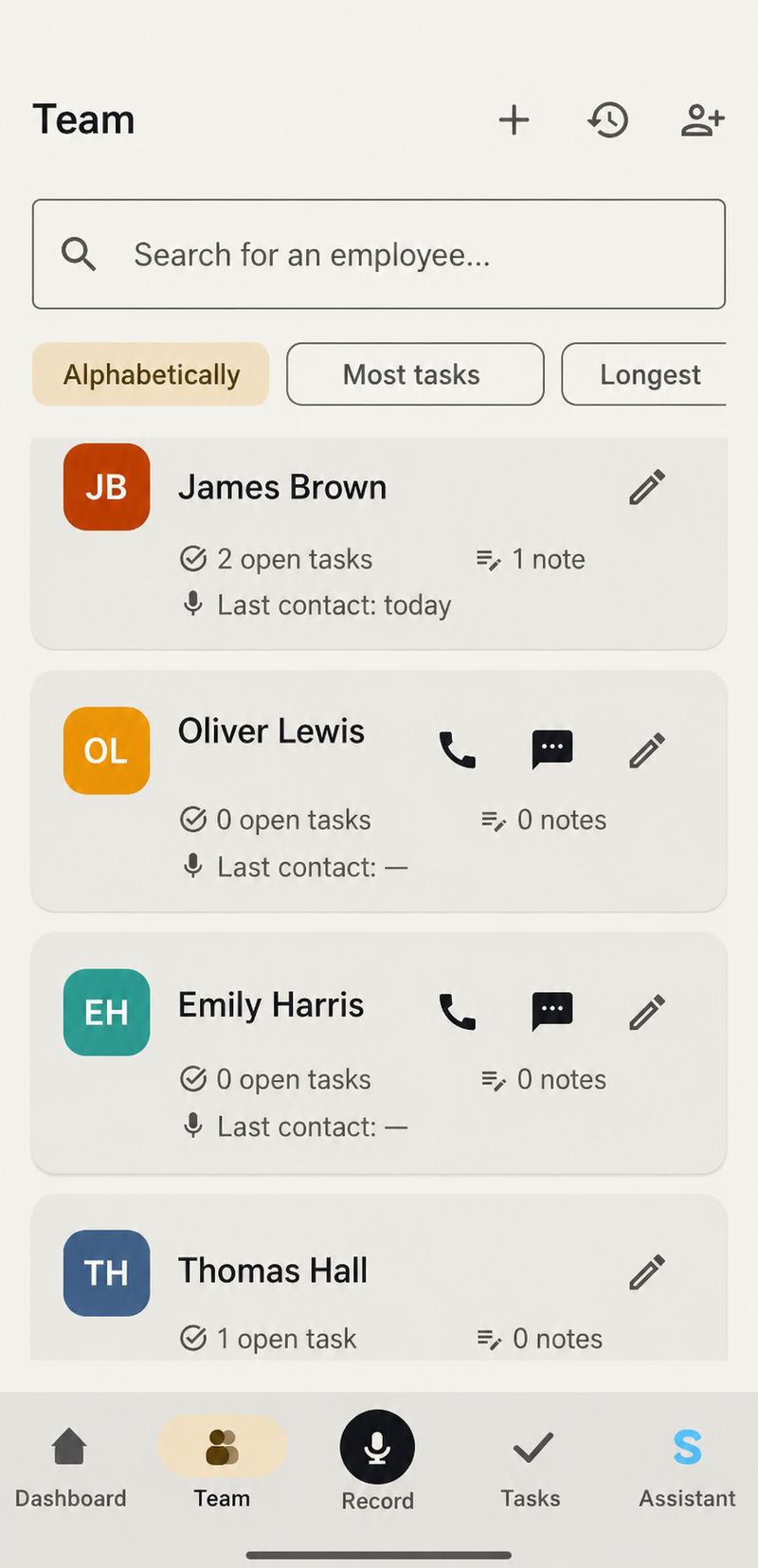
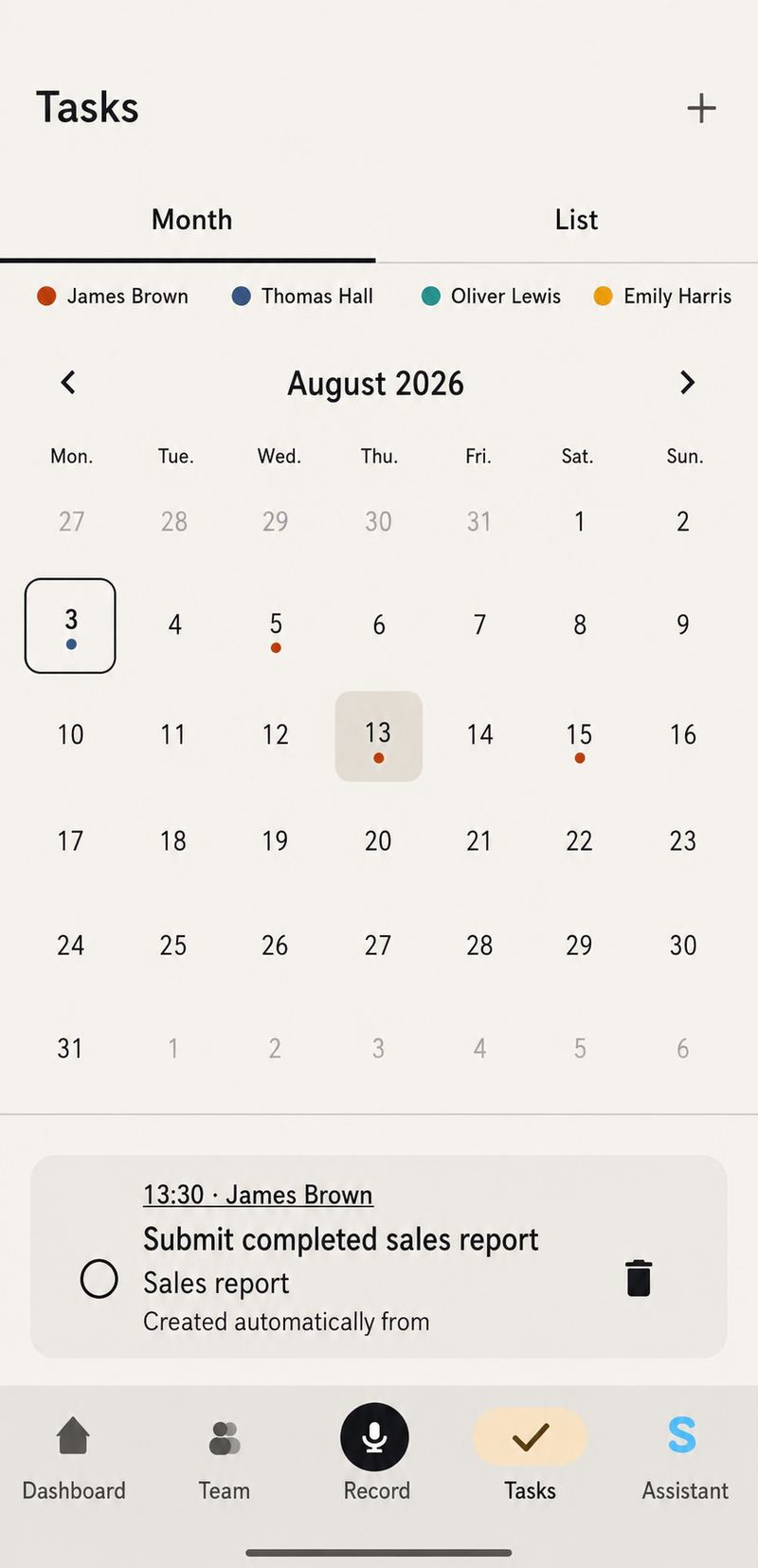
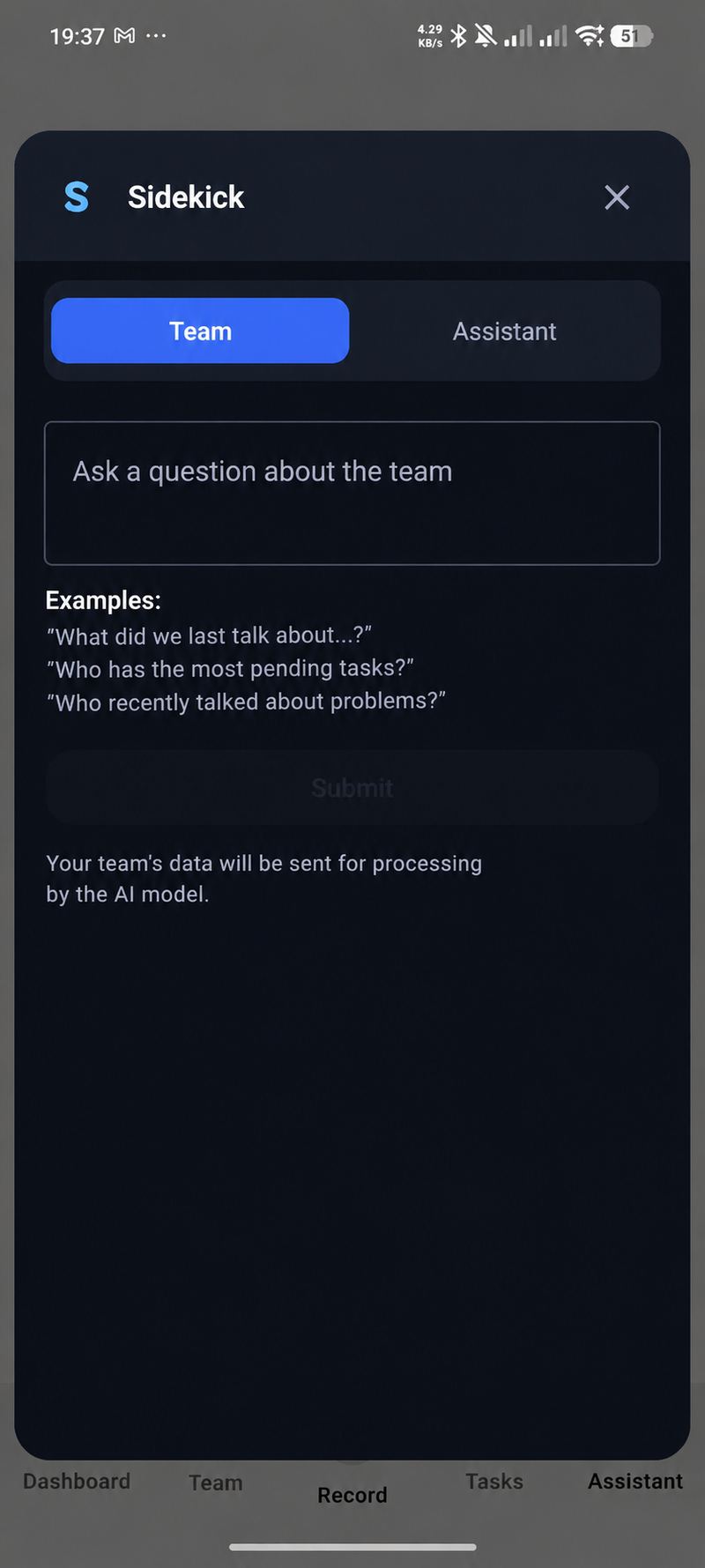
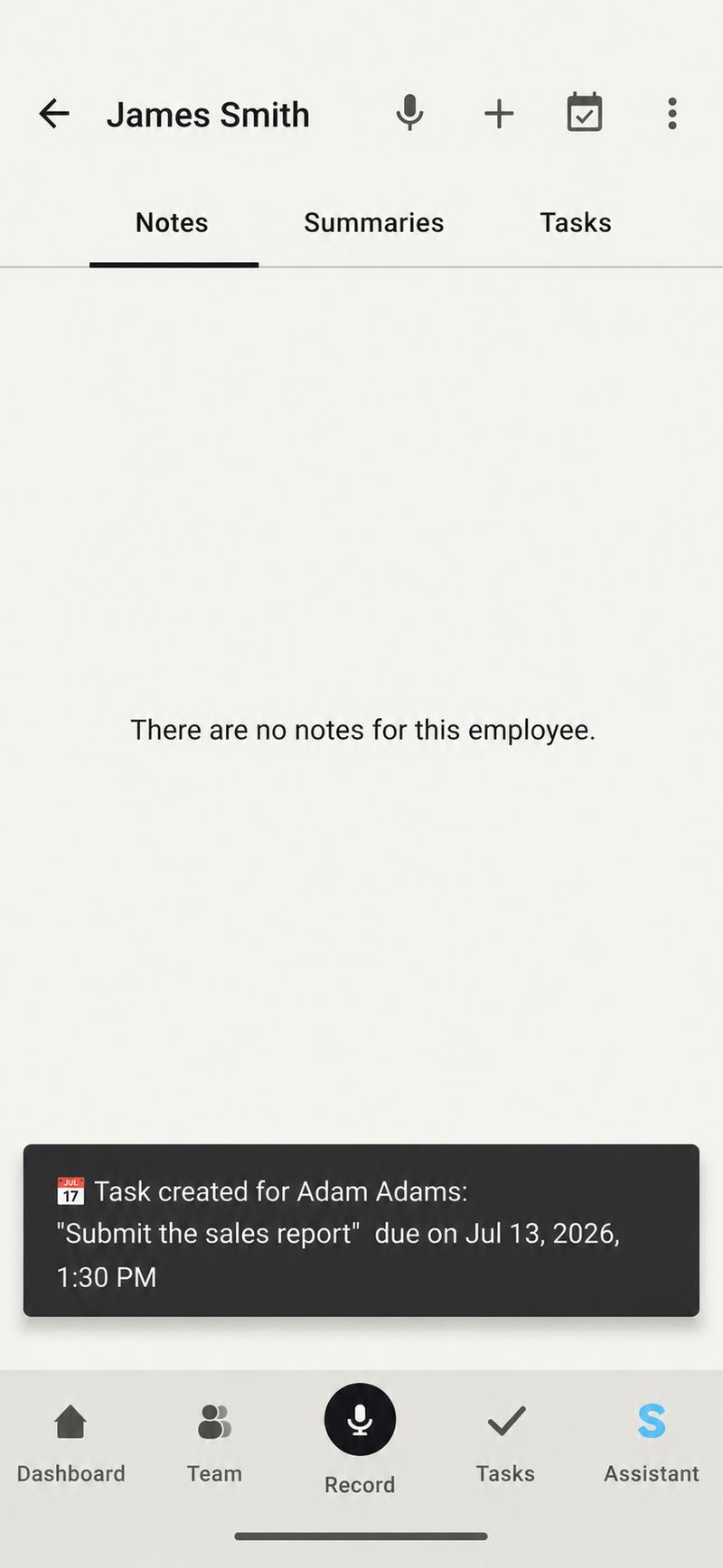
Ask directly. Sidekick answers based on real conversations.
What you're really getting is a smart assistant — notes and transcripts are just the raw material it works from. Below are examples of what you can ask.
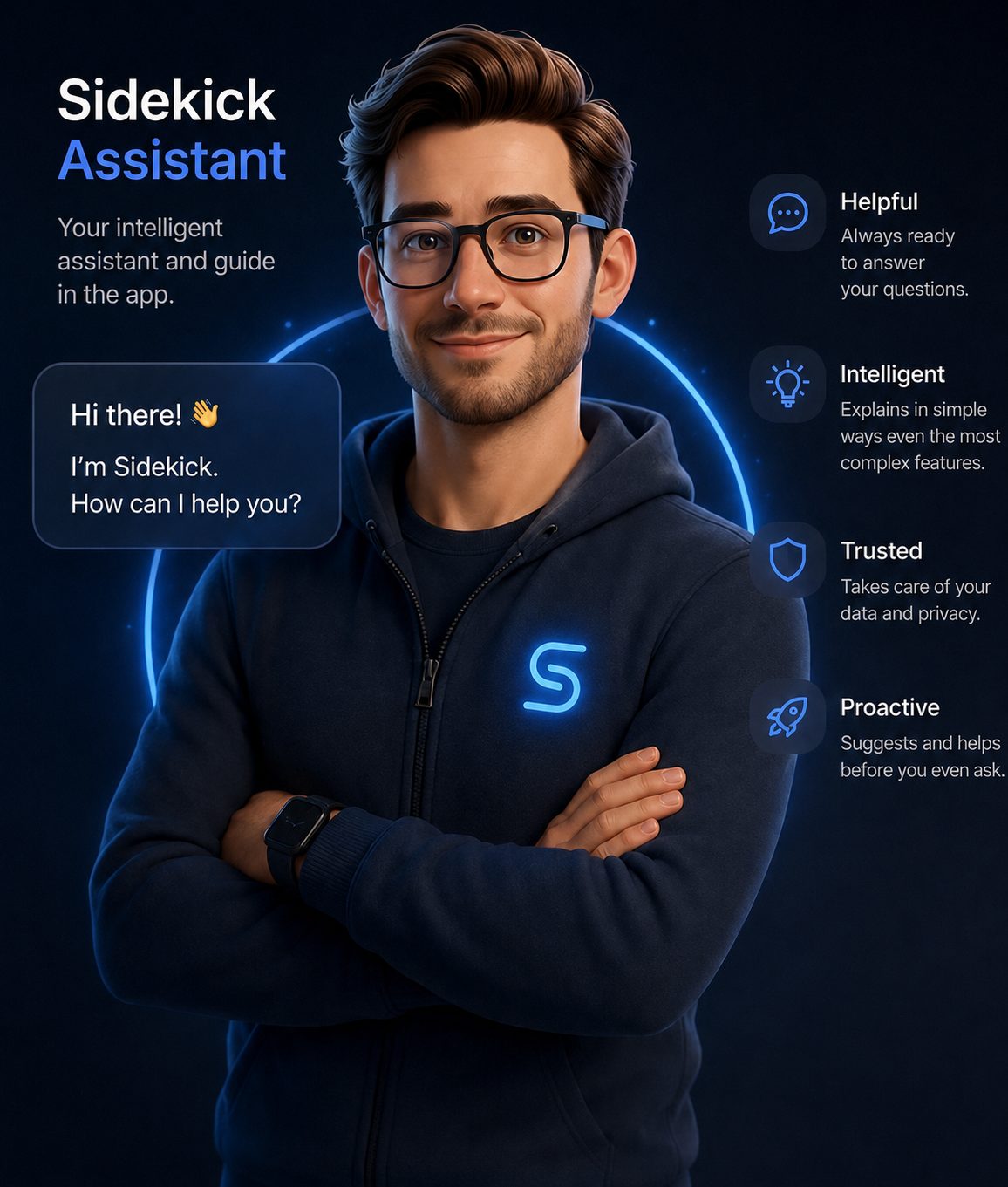
When you're stuck in the app, Ask Sidekick explains it in plain language
Just ask, instead of digging through settings — the in-app assistant answers in seconds, with concrete steps.
You decide what the cloud gets to hear
Mark conversations about salaries, layoffs, or personal matters as confidential — they stay on your phone only.
Local database encryption (SQLCipher)
Recordings, transcripts, and notes are encrypted on the device — not just “in transit,” but at rest too.
Privacy Shield
Names, contact details (email, phone, national ID, tax ID, address), and company names are automatically anonymized before anything reaches the cloud.
Three modes for every conversation
Transcription and insights in the cloud, offline-only transcription with cloud insights, or everything local — you choose.
Biometric or PIN app lock
Even if someone unlocks your phone, the Sidekick app asks for separate confirmation.
Your data doesn't train AI models
Per the current documentation from our providers, the AI models used in Sidekick do not use data sent from the app to train their models.
What managers already using Sidekick say
After a few weeks I noticed one thing: I started showing up to meetings better prepared. Sidekick remembers things that would normally get lost between calls, emails, and Teams. That lets me focus on people instead of hunting for notes.
What surprised me most is that Sidekick isn't just another chatbot. When I ask about an employee, I get an answer based on real conversations and agreements with my team. It feels more like a manager's second memory than an AI tool.
Every plan includes everything from the one before it
A higher plan always includes the full functionality of the one below it, plus more. Upgrading to Premium or Pro, you never lose anything — only gain.
- Unlimited team, tasks, and notes
- 60 min of private offline transcription / mo.
- 300 min of AI transcription per month
- Speaker recognition, summaries, and task lists
- Ask AI about an employee or team — ready for a 1:1 in seconds
- You decide what goes to the cloud — plus Privacy Shield
- 1000 min of AI transcription per month
- Option to enter your own API key (Mistral, Gemini)
- Import transcripts from Zoom and Teams meetings
Frequently asked questions
How is Sidekick different from ChatGPT and a plain voice recorder?
A voice recorder only records. ChatGPT can answer a question about one pasted conversation, but it doesn't know you spoke with Mark two weeks ago and with Kate yesterday — and it forgets everything once you close the window. Sidekick builds a lasting history for every employee (conversations, agreements, tasks) and tells you what it means on its own — no writing prompts, no copying notes between apps.
Is my data safe in Sidekick?
Yes — the app is designed to limit, by default, how much data ever leaves your phone:
- Local transcription: the recording and its transcript can be created entirely on your device, without sending audio to the cloud — you decide this for each conversation individually.
- Local anonymization (Privacy Shield): before any text reaches the cloud (e.g., for AI insights), names, contact details (email, phone, national ID, tax ID, address), and company names are automatically stripped on the phone — before they ever leave the device.
- Data encryption (SQLCipher): recordings, transcripts, and notes in the local database are encrypted at rest, not just in transit.
- App-level protection: lock access to Sidekick with a separate PIN or your phone's biometrics — even if someone unlocks the phone itself, the app will ask for an extra confirmation.
- “Confidential meeting” mode: a single switch turns off the cloud for a specific conversation, and everything stays local only.
In short: the more sensitive the conversation, the more you can keep on your phone only — the app never forces anything to the cloud.
In addition, per the current documentation from our providers, the AI models used in Sidekick do not use data sent from the app to train their models.
Does the app record conversations without the other person's knowledge?
No — Sidekick only records when you turn it on yourself in the app; it doesn't run in the background without your action. Whether and how to inform the other person about recording depends on the laws in your country — that responsibility stays with you as the manager.
What happens to my data? Does everything go to the cloud?
You decide, for each conversation individually: transcription and insights in the cloud, offline-only transcription with cloud insights, or everything kept locally on your phone. Data in the database is encrypted (SQLCipher), and before anything reaches the cloud, Privacy Shield automatically anonymizes names, contact details, and company names. Per the current documentation from our providers, the AI models used do not train on data sent from Sidekick.
Does Sidekick work without internet?
Yes. The Free plan includes 60 minutes of private offline transcription per month, and Premium and Pro have unlimited offline transcription, even after your monthly cloud minutes run out.
How much does it cost, and can I start for free?
Yes — the Free plan is free and includes full team, task, and note management with no time limit. Premium (£11.99/mo.) and Pro (£20.99/mo.) add more cloud AI transcription minutes and AI-powered features. You can cancel anytime from Google Play.
What is an AI Manager Assistant?
An AI Manager Assistant is an AI-powered tool that helps prepare meetings, remember conversations with employees, track agreements and tasks, and help a manager understand what is happening across their team. Sidekick is exactly this kind of tool — read what an AI Manager Assistant is.
How do I manage a team as a manager?
That's a bigger topic than one FAQ answer can cover — so we put together a separate, complete guide: how to manage a team — a guide for managers, which walks through 1:1 meetings, delegation, feedback, control without micromanaging, and difficult conversations step by step.
Start your next 1:1 already knowing where you left off.
Get Sidekick and stop losing track of what was agreed between meetings.
Get it on Google Play →